Customer Experience
Rethinking kiosks for identity verification
More and more, kiosks are being used for identity verification. As more public and commercial services become digital, organizations still need reliable ways to confirm who is standing in front of the service point. A mobile app or online portal can solve part of the process, but not every user, location or risk level can be handled remotely.
May 21, 2026 by Taya Tuo — Marketing Director, SUNTEK Technology Co., Ltd.
 ChatGPT
 Grok
Grok Perplexity
 Claude
Self-service kiosks are moving into a new stage.
For many years, kiosks were mainly discussed around ordering, ticketing, check-in, payment and information lookup. These are still important applications, but in more projects I now see kiosks being considered for a different purpose: identity verification.
This change is not surprising. As more public and commercial services become digital, organizations still need reliable ways to confirm who is standing in front of the service point. A mobile app or online portal can solve part of the process, but not every user, location or risk level can be handled remotely.
That is why the kiosk is becoming more than a touchscreen. In some workflows, it becomes the physical link between the user, the service location and the back-end system.
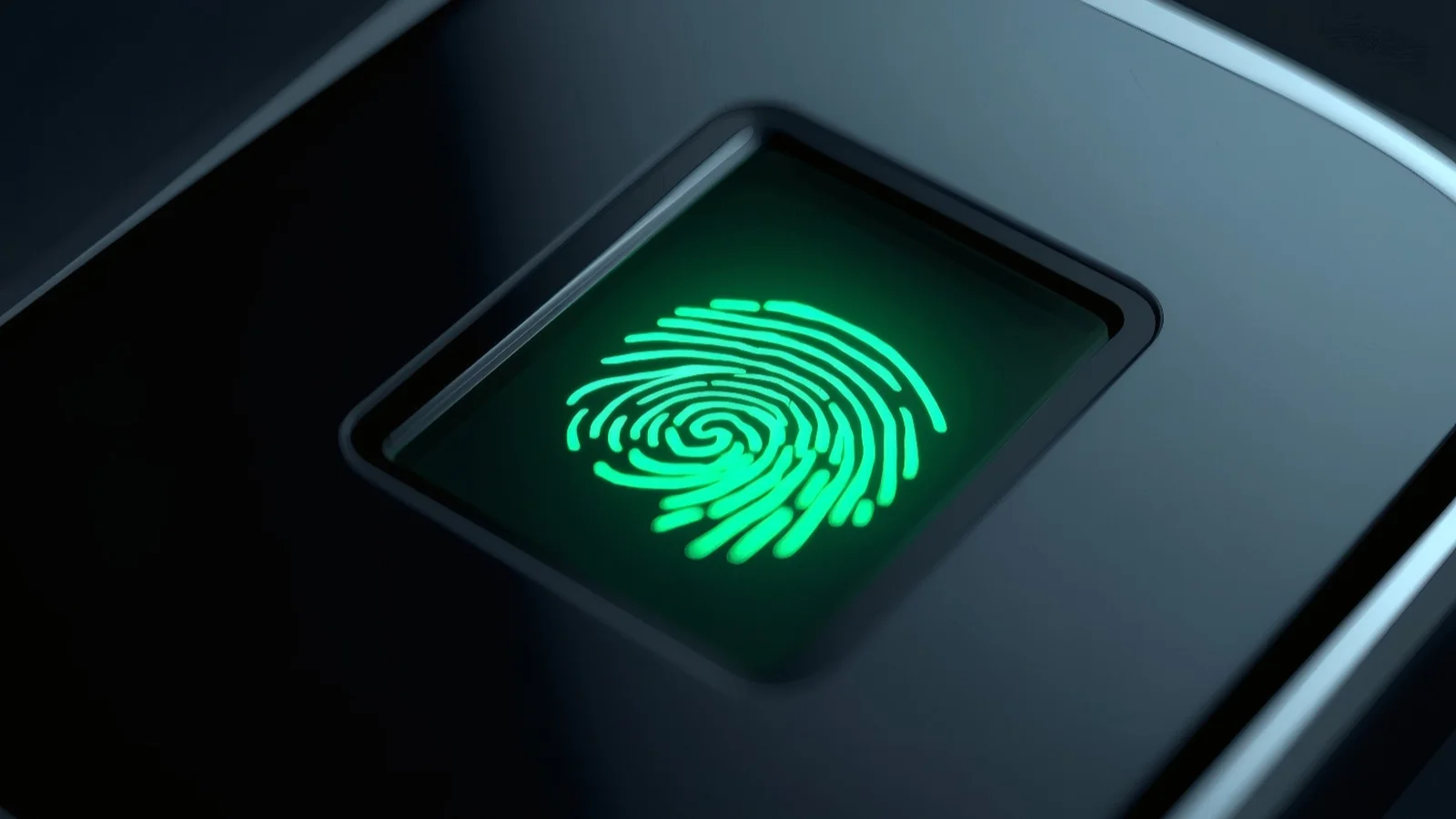
One practical example is the fingerprint-enabled kiosk.
Fingerprint verification is not a new technology, but it remains useful in many on-site workflows. It is familiar to users, easy to understand and relatively simple to guide through a self-service process. In regions where digital identity, public service modernization and financial inclusion are developing quickly, including parts of Latin America, this type of on-site verification can be especially relevant.
The point is not that fingerprinting is always the best biometric method. Face recognition, palm recognition, ID cards, QR codes, mobile authentication and NFC all have their place. In real projects, the best answer often depends on the service flow, the user group, the environment and the risk level.
What matters is whether the verification method can be used smoothly in the real world.
Identity verification is becoming part of self-service
In the past, self-service was usually measured by speed. Could a restaurant reduce the ordering line? Could a hotel shorten check-in time? Could a retailer reduce counter pressure?
Now, more organizations are asking a different question: can a self-service terminal handle a process that involves identity?
This can include government service requests, healthcare registration, pharmacy identity checks, bank or fintech onboarding, telecom customer verification and education exam check-in. These are not ordinary transactions. They may involve personal records, account access, eligibility, compliance or fraud prevention.
For operators, the value is practical. A kiosk can standardize the process and reduce repeated manual checks. It can also bring services closer to users in branch offices, clinics, service centers, campuses or community locations.
For system integrators, this creates a stronger need for flexible hardware design. A kiosk used for identity verification is not just a cabinet with a screen. It needs to support the full interaction.
Real deployment is where many problems appear
From my experience, many discussions start with software, the database or the biometric algorithm. Those parts are important, but they are not the whole project.
I have seen projects become difficult not because the core technology was weak, but because the terminal was not designed around the actual service environment.
For example, a fingerprint reader may technically work well, but if users cannot see it clearly, reach it comfortably or understand when to use it, the process slows down. If the screen shows too much personal information in a public space, privacy becomes a concern. If the printer is hard to access, maintenance becomes painful. If the network is unstable, the whole workflow can stop even when the device itself is working.
These are not small details. They decide whether a kiosk can be used every day by ordinary people and maintained by ordinary staff.
Common places where identity kiosks can fit
The potential use cases are broad, but they share the same basic need: the service provider wants to confirm that the person using the kiosk is the right person.
In government service centers, kiosks can support appointment check-in, document requests, public service access or citizen registration.
In healthcare, they can help with patient registration, queue management, appointment confirmation or service eligibility checks.
In pharmacies, identity verification may support prescription pickup, customer account confirmation or healthcare-related services.
In banking and fintech, kiosks can assist with onboarding, document collection, account services or identity confirmation.
In telecom, they may be used for SIM registration, account recovery, customer verification or service changes.
In education, they can support exam check-in, attendance or student service access.
These are practical scenarios. They do not require the kiosk to replace staff completely. In many cases, the better goal is to let the kiosk handle standard steps while staff focus on exceptions and support.
What to consider before deployment
For any organization considering fingerprint-enabled kiosks, I would suggest starting with the workflow, not the module list.
First, define what needs to be verified. Is the kiosk confirming a person's identity, matching a user to an appointment, supporting an account change or simply adding an extra check before service access?
Second, look at the user environment. Will the kiosk be used in a quiet office, a busy clinic, a pharmacy counter, a bank branch or a public hall? The same hardware layout may not work equally well everywhere.
Third, consider the user's physical interaction. The fingerprint reader should be visible and easy to reach. The screen should guide the user clearly. If scanning, NFC, camera capture or printing is involved, the order of operation should feel natural.
Fourth, think about privacy. Identity workflows often involve sensitive information. The screen angle, installation position and interface design should reduce unnecessary exposure.
Fifth, plan for maintenance from the beginning. Identity-related kiosks may be deployed across many locations. Remote monitoring, stable connectivity and easy access to key modules are not optional once the project grows.
Modular design matters
Identity verification projects are rarely identical.
One project may need fingerprint verification only. Another may combine fingerprint, camera, QR code, NFC and printing. A government office may need a different setup from a telecom store or a healthcare site.
This is why modular design matters. The hardware should match the workflow, not force the workflow to match the hardware.
In my view, the most successful kiosk projects are not always the ones with the most functions. They are the ones where every function has a clear purpose and fits naturally into the user journey.
Fingerprint-enabled kiosks can create real value when they make identity verification easier, safer and more consistent for both the operator and the user.
That is the direction I believe more self-service projects will move toward: not just more screens, but better service endpoints.
About Taya Tuo
A dedicated content creator and industry insider with 6 years of deep expertise in the POS, self-service kiosk, and hardware OEM/ODM sectors. I focus on crafting audience-centric, insightful content for industry professionals. Currently leading content marketing at SUNTEK, I also oversee social media content distribution and excel at identifying shareable content. Passionate about sharing actionable industry perspectives to connect and engage with like-minded readers.
Related Media
Subscribe
Get the latest news and resources from Kiosk Marketplace.